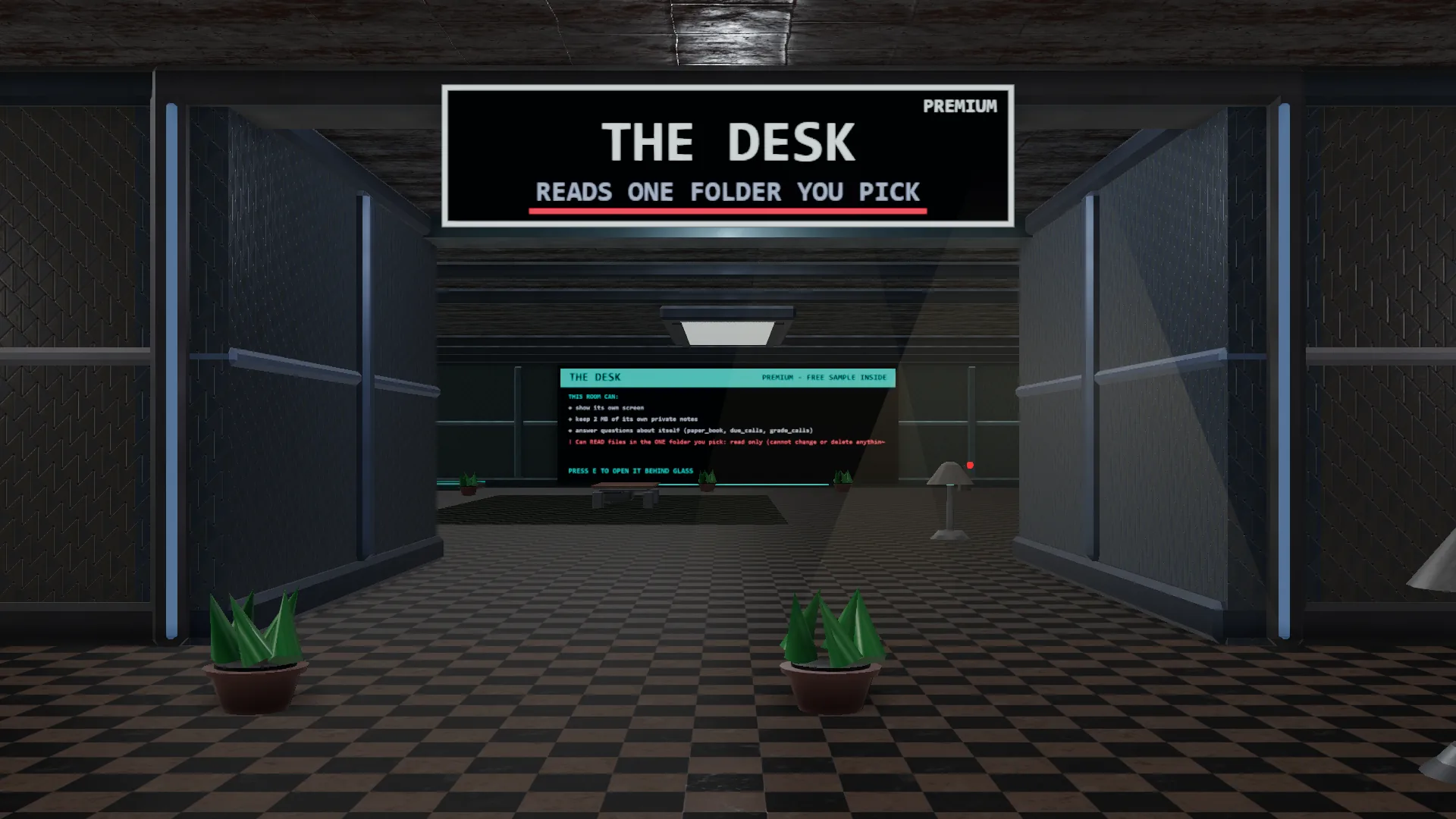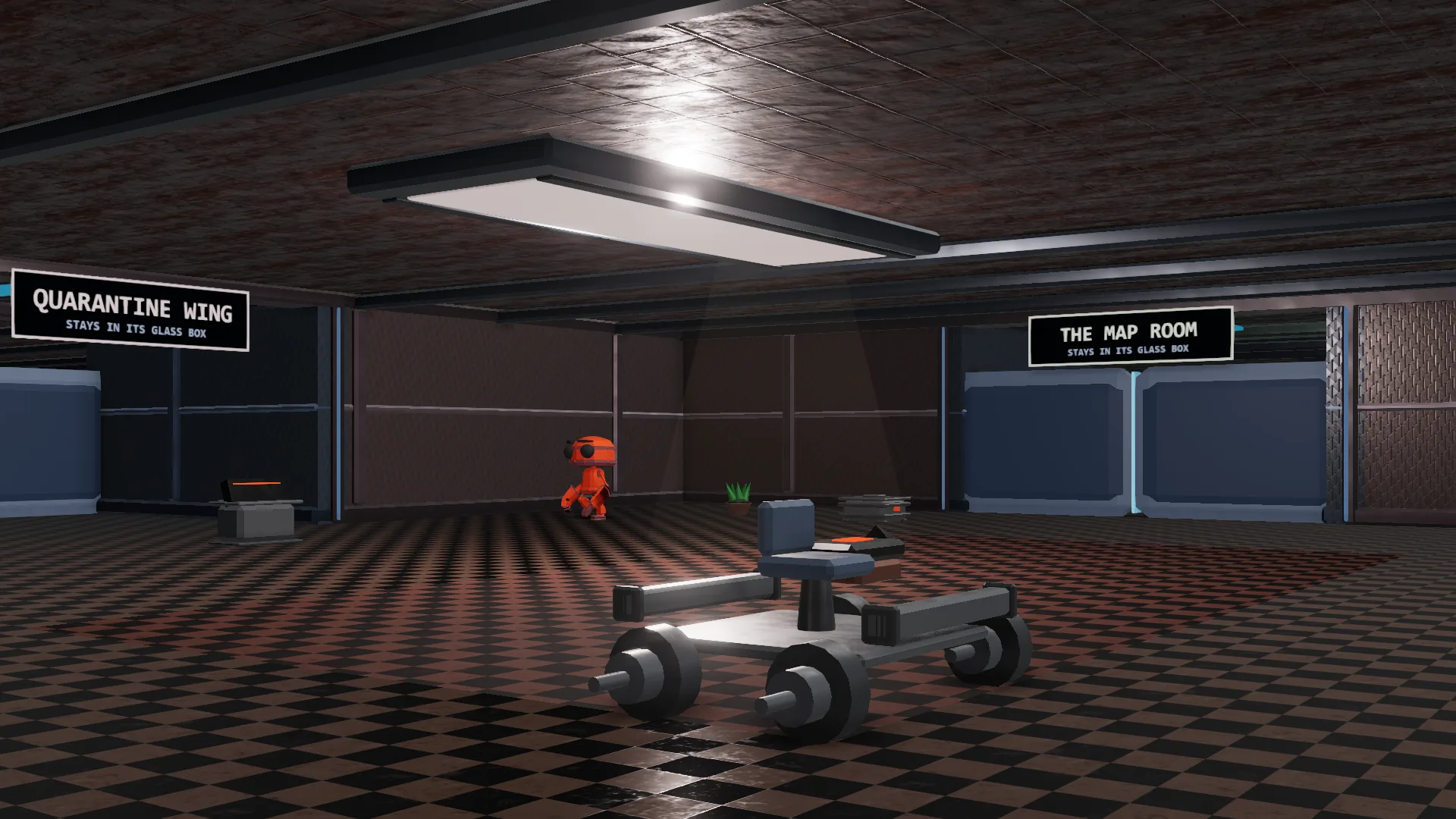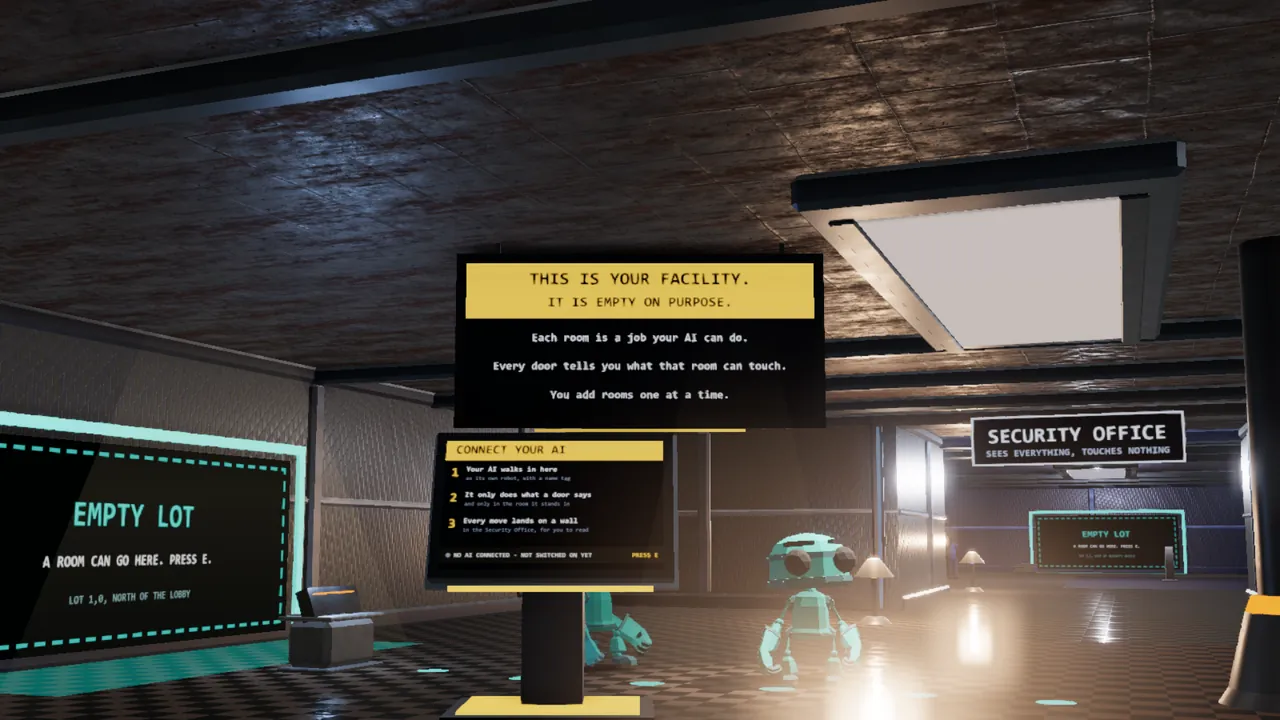
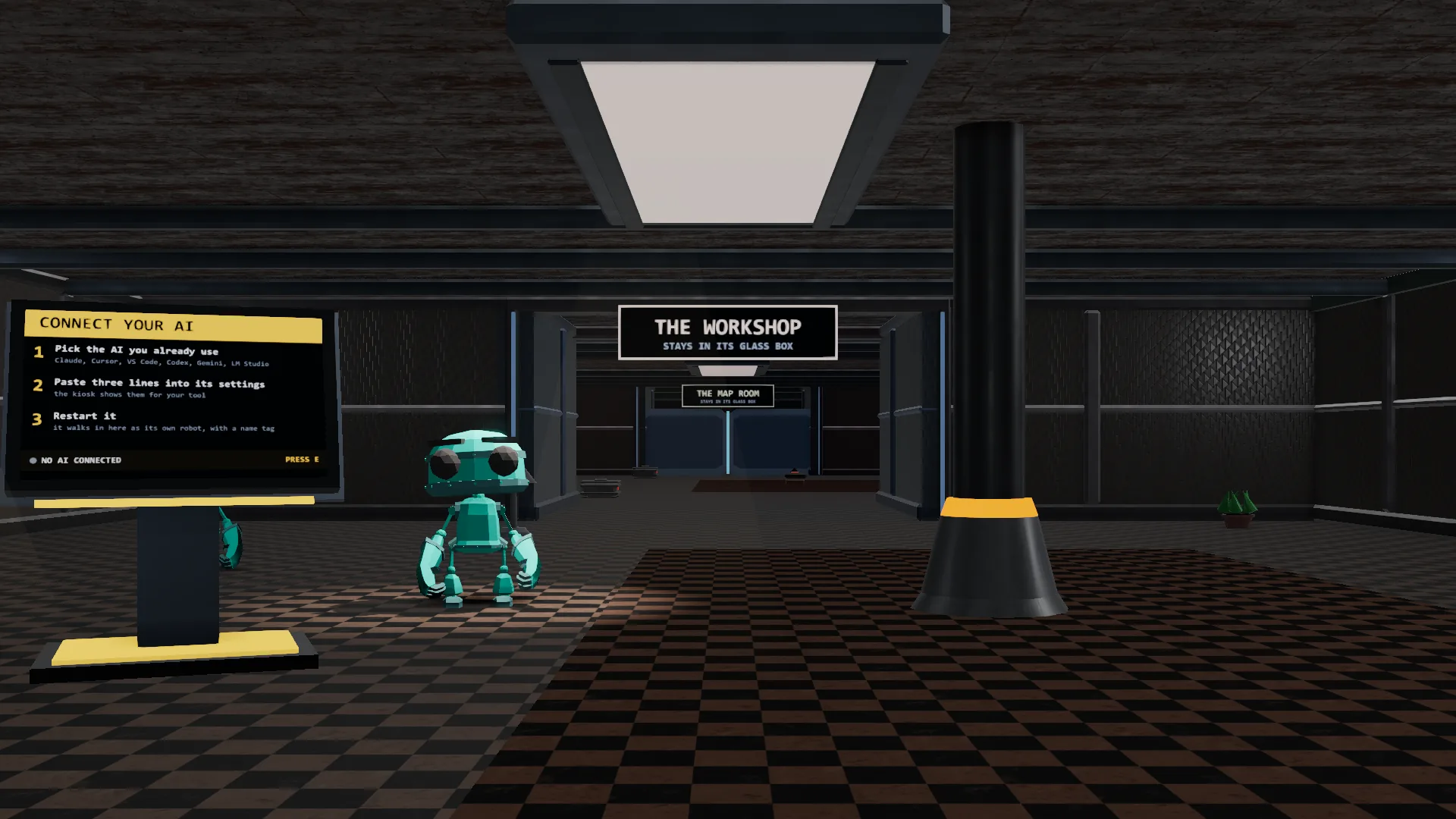
The Lobby
Where you start. You add rooms here on the glowing EMPTY LOTS, and every door says what its room can touch.

SandboxVille is a free 3D town that runs on your own computer. Every room does one job, and every door says what it can touch. Public downloads are coming soon while we improve and test the next release.
Every picture on this page is a real screenshot of the town. Your rooms and notes stay on your computer. The app sends nothing to us.
Start with the Lobby, add the rooms you want, and see every move on one wall. No code to write.
The Lobby is your starting facility. Public downloads are coming soon while we improve and test the next release.
Drop a room's zip in the add-rooms-here folder. Walk to an EMPTY LOT, read its door sign, and press PLACE.
Open the room and press its button. Every move lands on the Security Office wall, allowed or refused.
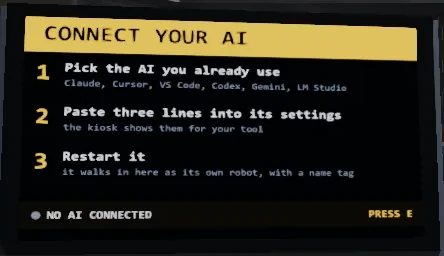
Coming next: the AI door. In the next release, the AI you already use (a model in Ollama or LM Studio, or Claude on your own key) walks in as its own robot and only uses the room it stands in, under that room's door sign.
Every room in SandboxVille does one job. Before your AI can do anything inside, it walks through a door that has already said what it's allowed to touch.
Where you start. You add rooms here on the glowing EMPTY LOTS, and every door says what its room can touch.
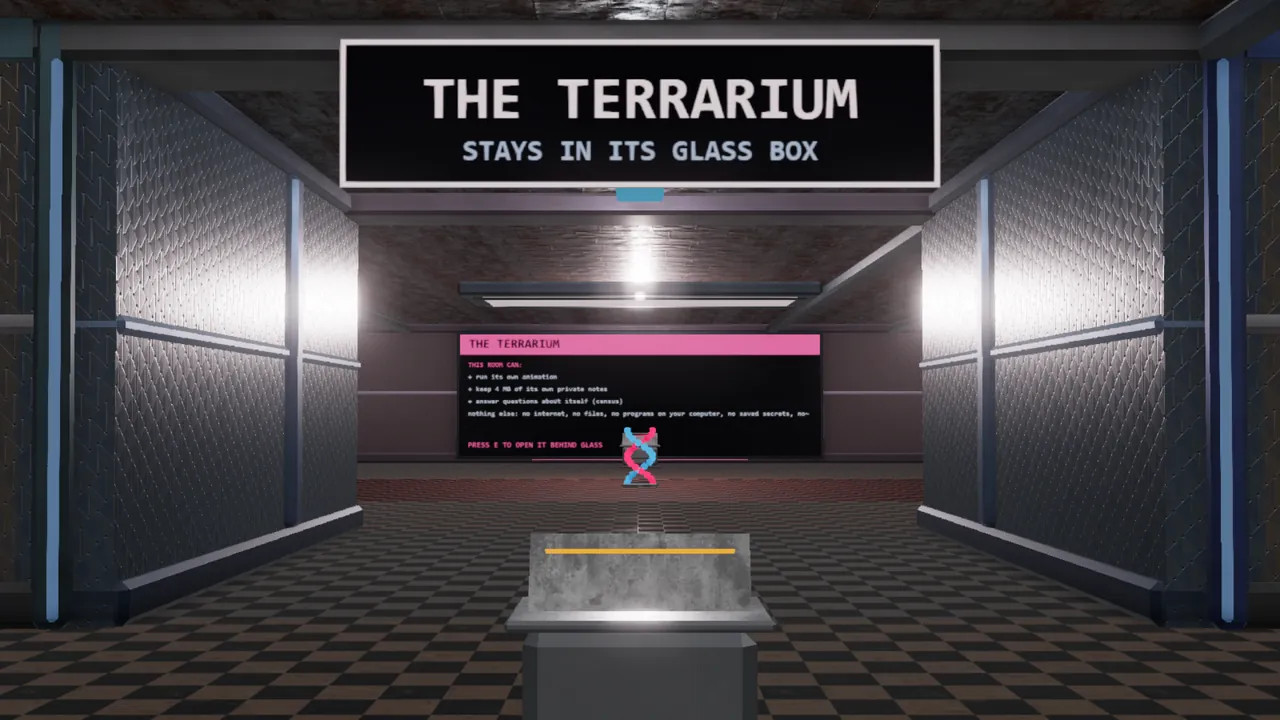
Small animals, each run by its own little brain of neurons. Once the AI door opens, your AI can count them and nudge them, never harm them.
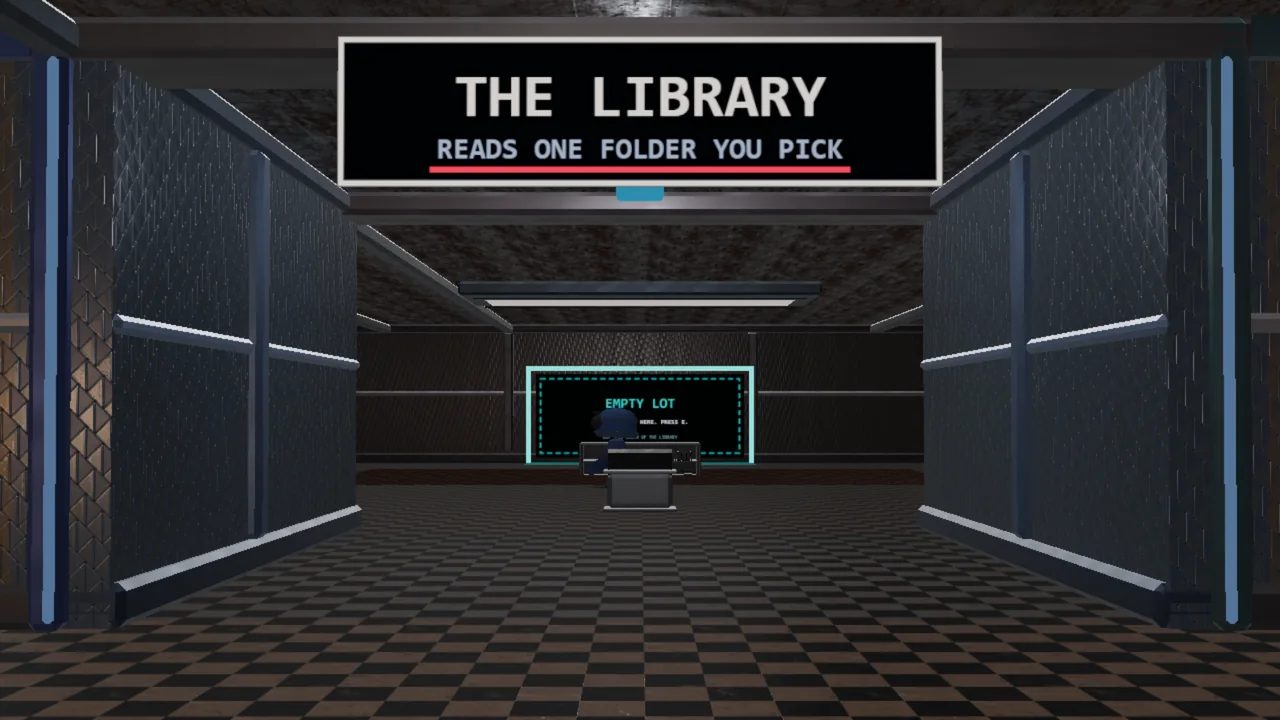
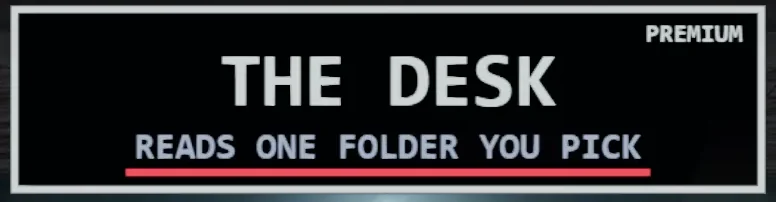
Search one folder of your notes. Once the AI door opens, your AI can read them one at a time, only inside that folder, never change them.
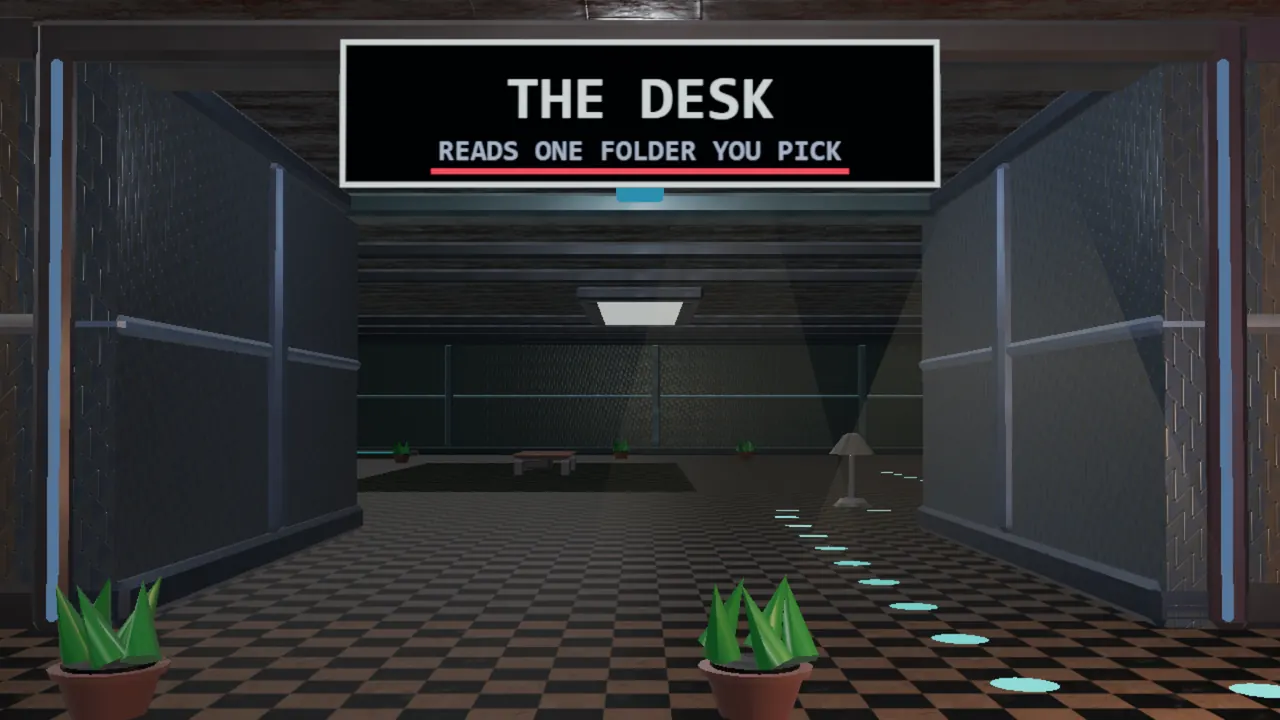
Grade forecasts against what really happened. Paper trades only: it never places a trade.
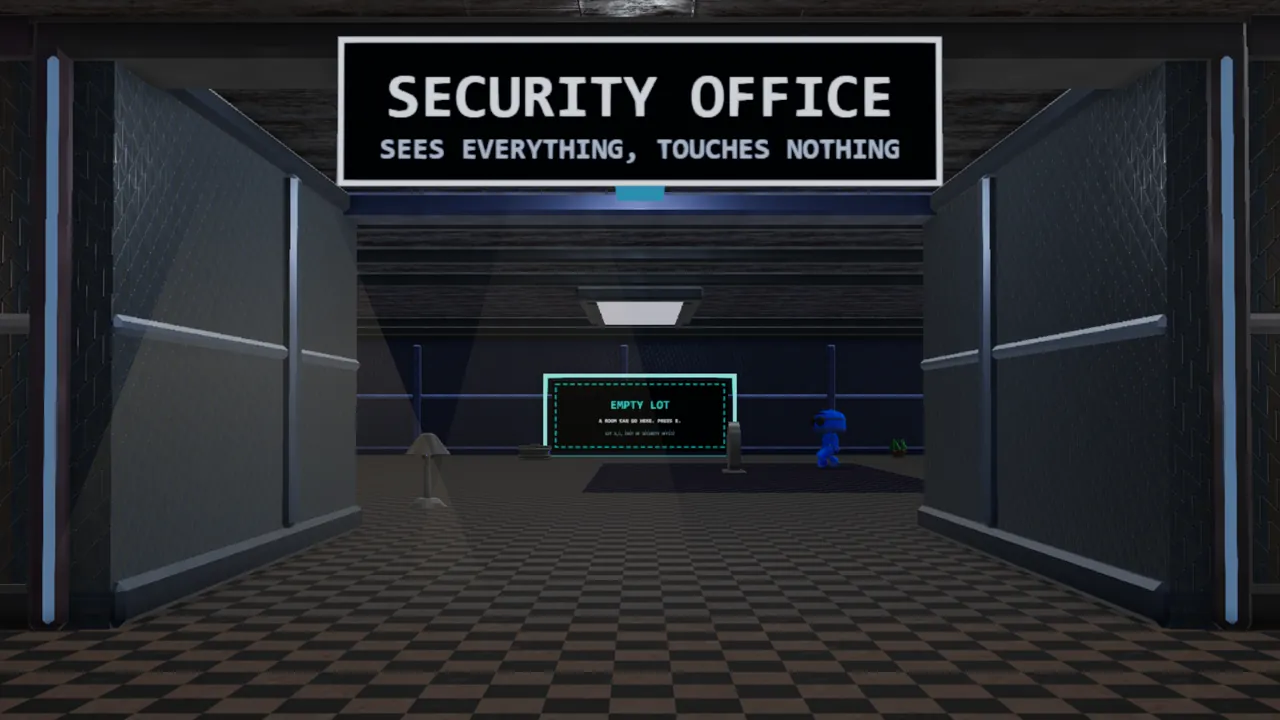
One big wall that shows every move any room makes, one line each. Anything refused shows in red.
The Lobby and add-on rooms are coming soon. Preview each room and its door sign while we improve and test the next release.
Preview every room →Safe by design
Every room has a sign like this one on its door. Nothing on it is hidden. SandboxVille's guard only lets a room touch what its door sign lists.
A guard checks every single request a room makes against its own sign. It runs as its own process outside the AI, not just a prompt asking it to behave.
If a room ever reaches for a file, folder, or network host its door didn't list, the guard blocks it before it happens, and writes it down. Rooms start with nothing allowed, and get only what their sign lists (a zero trust design).
SandboxVille can't see what an AI tool does outside SandboxVille.
Every one of those write-ups lands on the Security Office wall, live, while it happens. Nothing gets cleaned up before you see it.
Example line from the wall: the-desk fs.list → REFUSED: no folder granted yet. The Desk tried to read before you lent it a folder. That's the guard doing its job.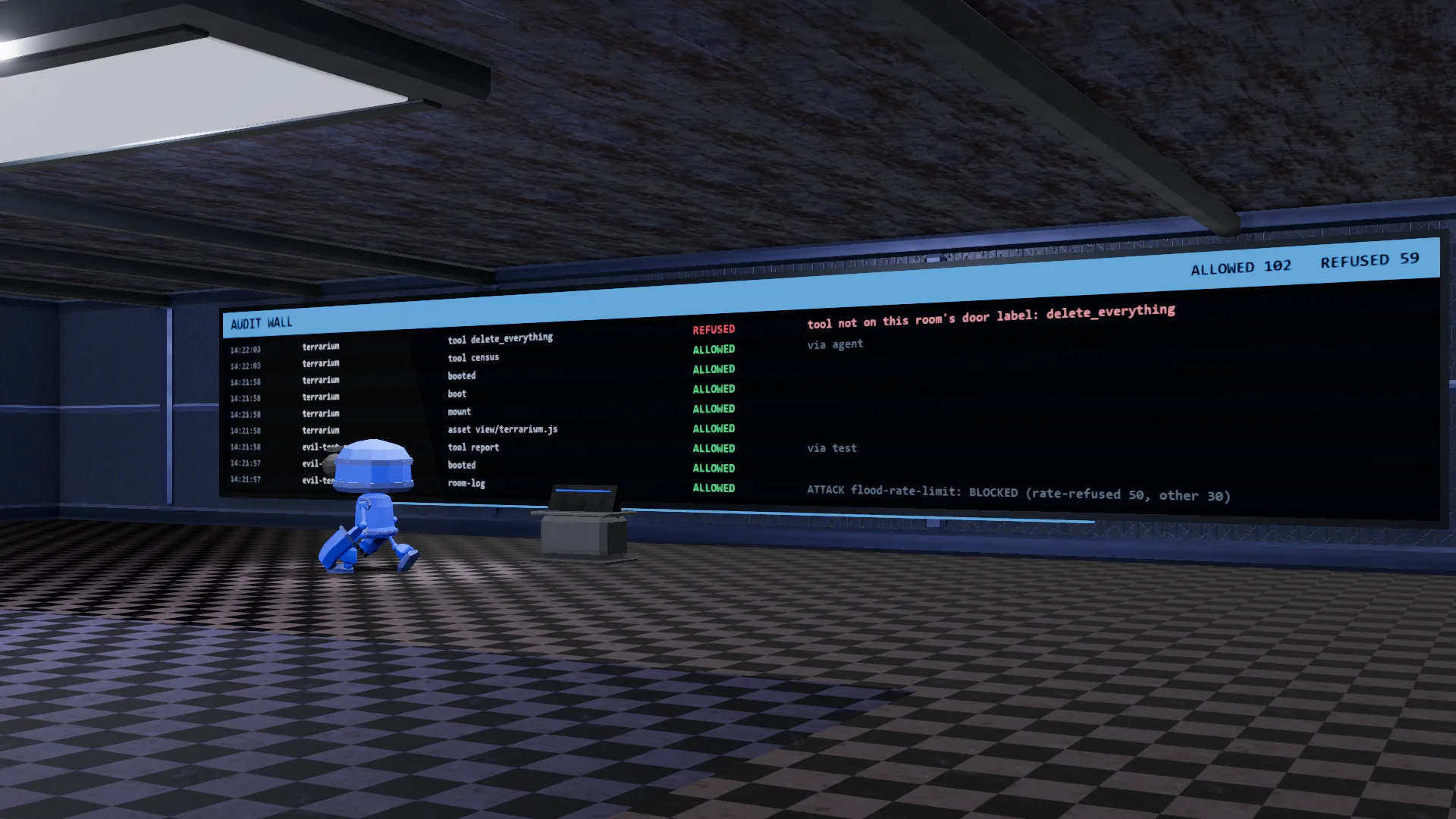
In plain terms, here is what that makes SandboxVille:
Coming next: you bring the AI, and SandboxVille brings the town it walks into. Each one gets its own robot body and name tag (embodied AI), not just a chat window, and several can be in town together (multi-agent).
SandboxVille is not affiliated with or endorsed by these companies. Names are shown only to say what it works with.
It works with a keyboard and mouse, most gamepads, or a touch screen. Under the hood it's built in three.js (WebGL 3D) and stays on your own computer (local-first), not a cloud account. If your computer already runs a normal 3D game or a browser smoothly, it can likely run this too.
Anything else? Ask us in the Discord.
Is it safe?
It is built to keep each AI inside its room: a room only gets what its door sign lists, and refused requests show on the wall. No software is risk-free, so only place rooms you trust and keep backups. See our security page.
Which AI tools work with it?
The AI door is built for models on your own computer (Ollama, LM Studio), cloud AIs on your own key (Claude, ChatGPT models, Gemini, Grok), and AI tools you run in a terminal, such as Claude Code or Codex. SandboxVille is not affiliated with these companies.
What does it cost?
The town itself is free. There's also a separate $9 guide that teaches the door-sign method on its own, if you want to use it on your own projects.
Does it send my data anywhere?
The app sends nothing to us. Your data leaves your computer only if you turn on a cloud AI (your words go to that AI company, on your own key) or friend mode on your WiFi. Read our privacy statement.
What do I need to run it?
The same class of computer that already runs a normal 3D game or a modern browser smoothly. It's built in three.js (WebGL 3D) and runs right on your own machine. Keyboard and mouse work fine, and a gamepad or touch screen works too.
How do I get in?
Public downloads are coming soon while we improve and test the next release. Early access opens in our Discord first, so join to follow the build. The town runs local on your own computer. Every picture on the rooms page is a real screenshot from the game.
The Lobby, add-on rooms and NULL PARALLAX are being improved and tested. Public downloads are coming soon while we improve and test the next release. Early access opens in our Discord first. Explore real screenshots and follow our progress there.
Want the method, not just the town? There's a separate, optional $9 guide, written from what we learned building this, that walks through the door-sign method on its own so you can use it on your own projects. It doesn't unlock anything inside SandboxVille; the town stays free either way. Get the guide, $9 →
Follow the build where it gets posted: the same builder, real accounts, every step shown.