Lobby
Door sign onlyThis is the room every SandboxVille building starts in. It shows a kiosk with instructions for connecting your AI, and a big STOP button that freezes the whole building at once. It gives your AI nothing to work with; it's just where it arrives and checks in.
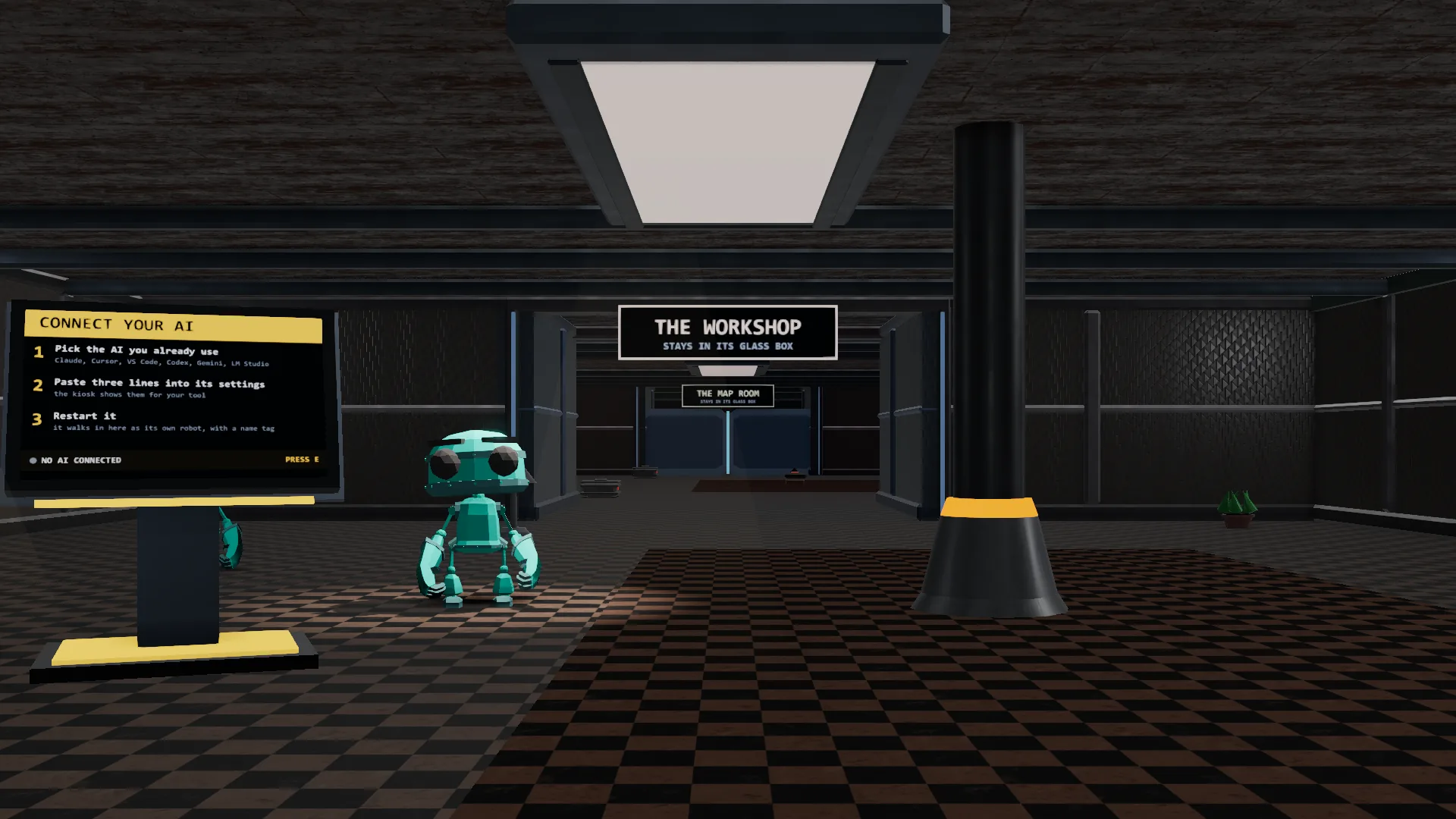
The Lobby. Our own screenshot, not concept art. The downloadable copy of this room is the sign and the kiosk logic; the walk-through view above is the live building.
- Can show its own kiosk screen and a STOP button.
- Cannot read any files on your computer.
- Cannot reach the internet.
- Cannot run any program on your computer.
- Does not use any saved passwords or keys.
- Gives your AI zero tools.
Three steps, then read its sign.
Download and unzip
Get lobby.zip below. Unzip it, you'll get a lobby/ folder with one file inside, room.json.
Drop it in rooms/
Copy the lobby/ folder into the rooms/ folder of your SandboxVille code, so the path reads rooms/lobby/room.json.
Print the sign
Run the command on the right. It prints the door sign, plain text, so you can see exactly what this room is and is not allowed to touch.
You'll need first: Node.js 22+ and a copy of the SandboxVille code (the folder that has rooms/, tools/, and harness/ in it).